Capture
Start from a video URL
Pull transcripts and key visual moments into a single writing workspace.
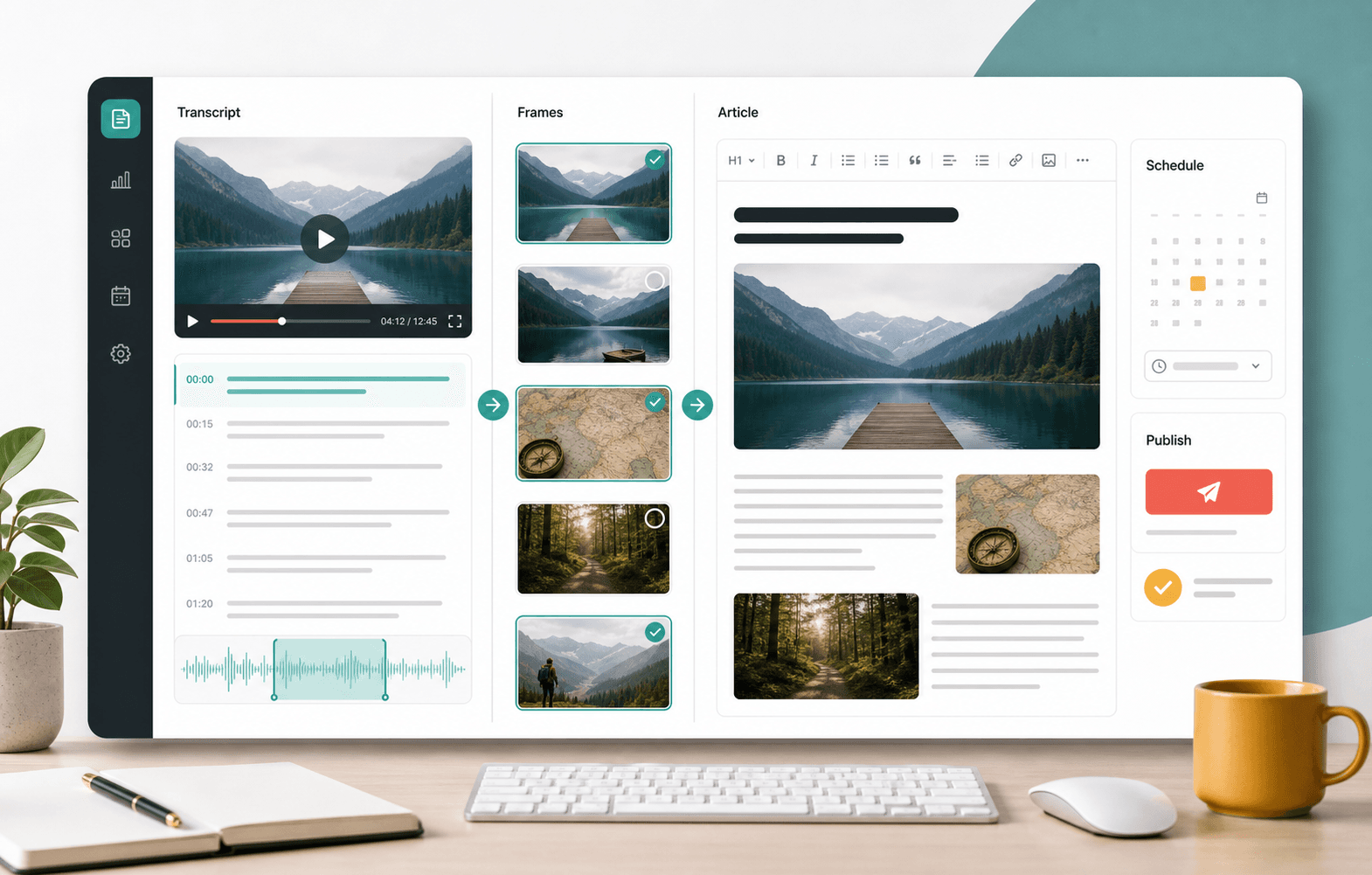
Video research to publish-ready articles
Transform YouTube transcripts and frame captures into editable, media-rich posts built for WordPress publishing workflows.
Workflow
Pull transcripts and key visual moments into a single writing workspace.
Turn long-form source material into an editable post with headings, sources, and media placement.
Prepare categories, featured imagery, scheduling, and publication from one screen.
Built for production
StoryFrameAI keeps transcript context, article structure, selected frames, and WordPress settings together so teams can review the actual work instead of hunting for assets.
Move from source video to draft review without scattering notes, screenshots, and publishing settings.
Keep article media, captions, category choices, and scheduling decisions attached to the post.
Queue polished articles for multiple properties while preserving each project's WordPress setup.
Open the workspace and start from a transcript, frames, or a saved project.